React performance
Lazy Loading Components
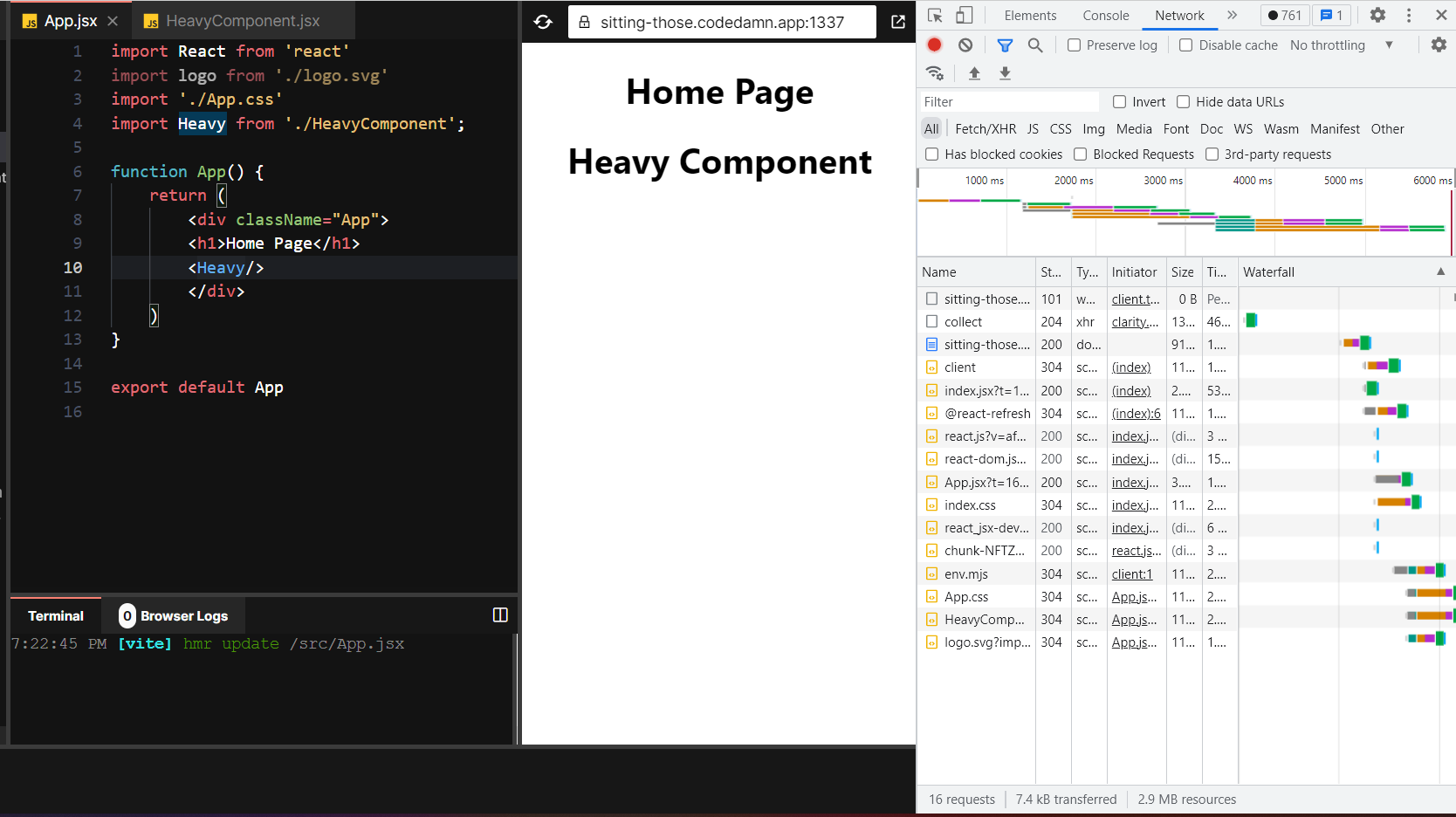
Lets say we have a simple application in which we are returning just two components and the second component is only visible when a button is clicked. The problem here is that the second component needs to be not loaded by the browser every time because when the component is not mounted the runtime still renders its complete javascript code and with these some problems are associated: 1)It consumes the bandwidth 2) makes the process of loading all the components slow because the browser needs to render more components. Hence it becomes a problem in case of large scale applications
The solution for this is code splitting.
How this works is that lets see with the help of an example:
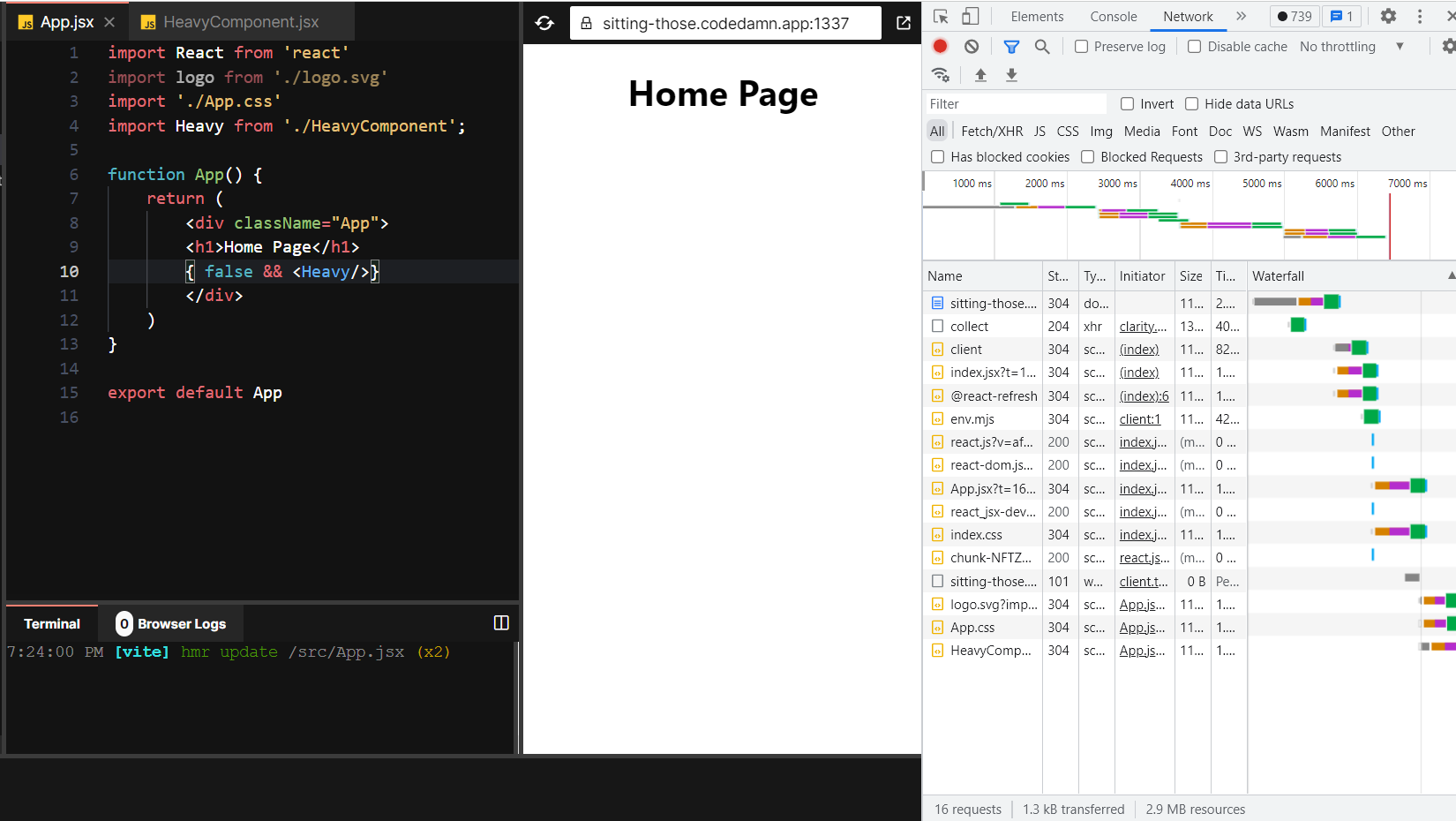
Notice that when the component is mounted or not the same amount of network requests are made in both the cases which is not feasible. When the component is not mounted less network requests should be made
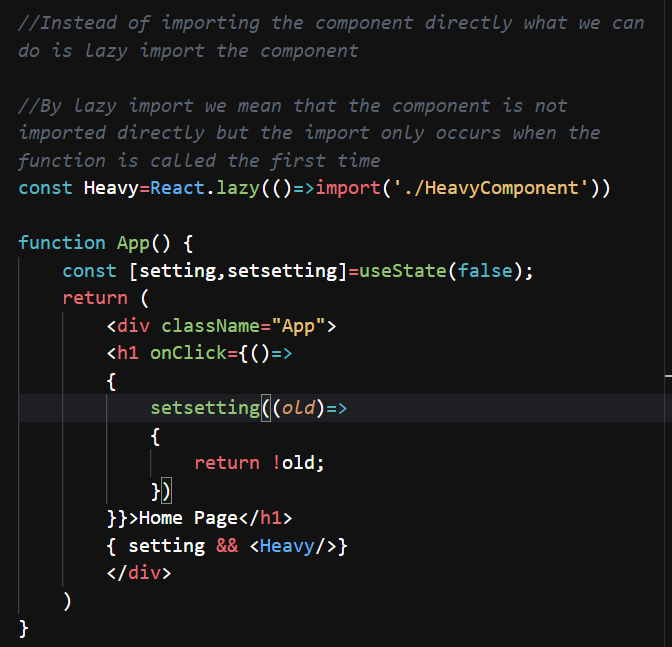
However we get an error with this:
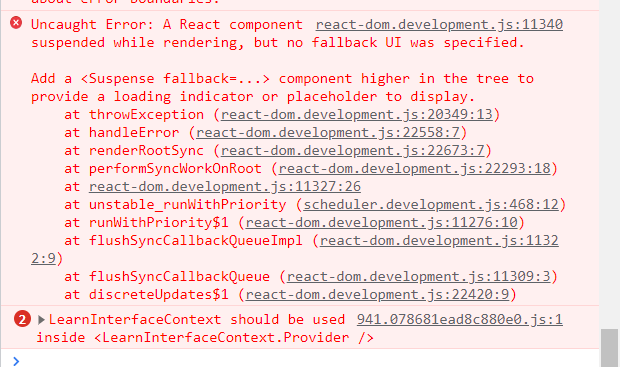
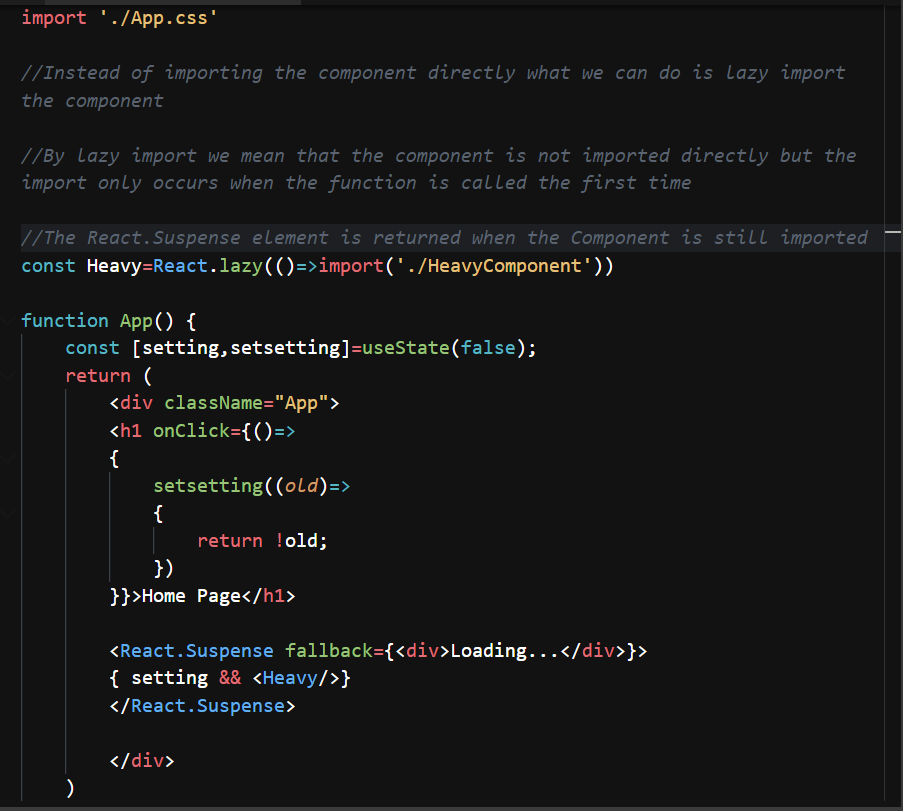
This is because when the first time the component function is called the component is not available inside the App.js file so we need some fallback UI which shows that the component is still loading
This UI can be achieved by using the React.Suspense element