Understanding git and github
Let us say that we are building an application. Now inside the project we make several changes throughout the building journey. Git allows us in maintaining the history of the project and get a log of all the changes that we made inside the project.
Let us take a live example to understand these technologies:
Firstly we are creating a folder named project inside the Desktop
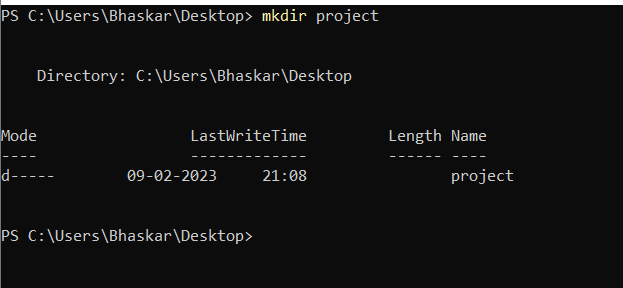
Now we need to maintain the history of the project using git. If we create a file or change the content of the file or delete a file all of this tasks are stored inside the git.
Where is this entire history being stored?
This history is stored inside another folder that git provides us. This is known as the git repository. Its named .git folder.
git init is a command which initalizes or creates an empty git repository(folder).

Now if we do ls inside the project folder we see nothing.

Why? Because .git is a hidden folder inside the project directory
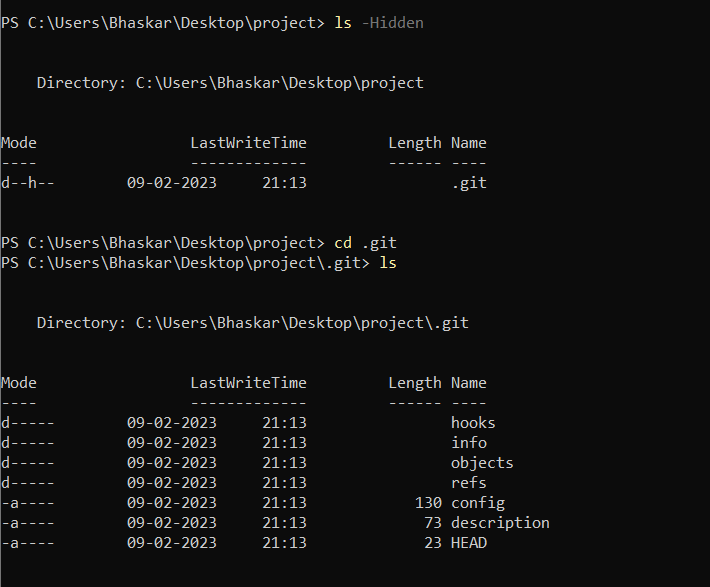
Any change now made in the project will be picked up by git. Let us see how?
If we create a file say dhruv.txt inside the project folder.
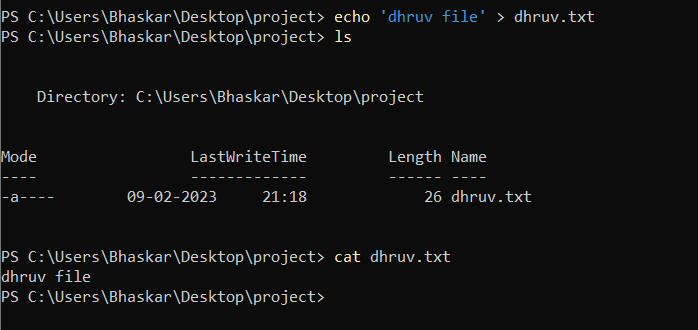
Now if we write the following command
This command indicates that there is a dhruv.txt file that is added and it is currently untracked. Untracked means that if this project is shared with someone no one knows that dhruv.txt file is added by dhruv on this particular date.
Now if we want people to know that dhruv made the change or added the file